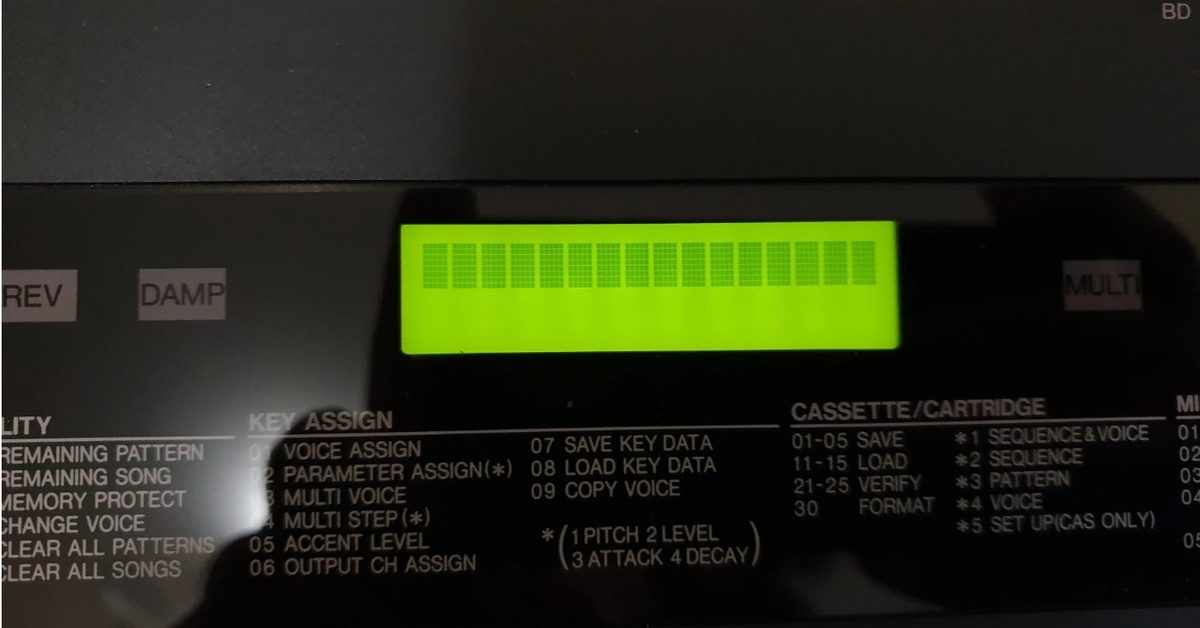
A customer based in Ching Mai, Thailand contacted me to repair his Yamaha RX-5.
Problem and Initial Diagnosis
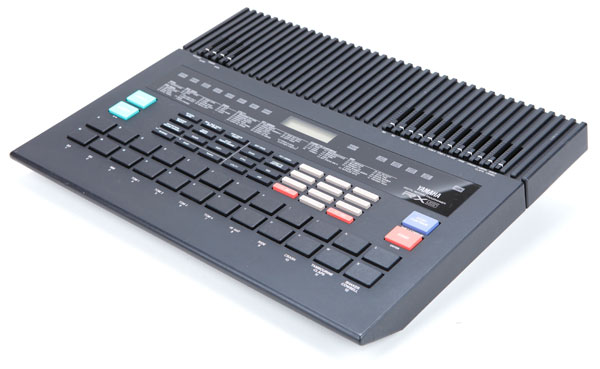
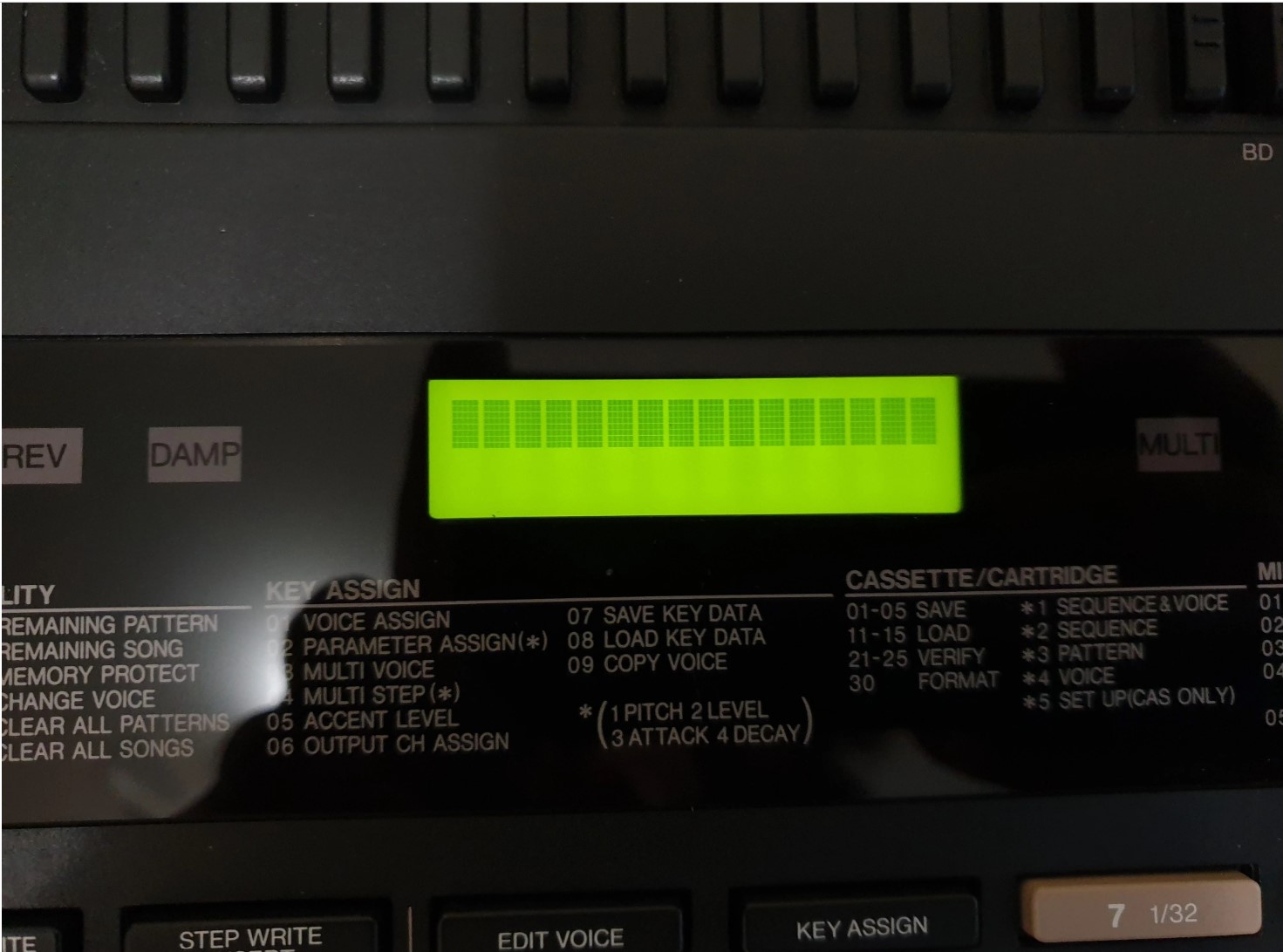
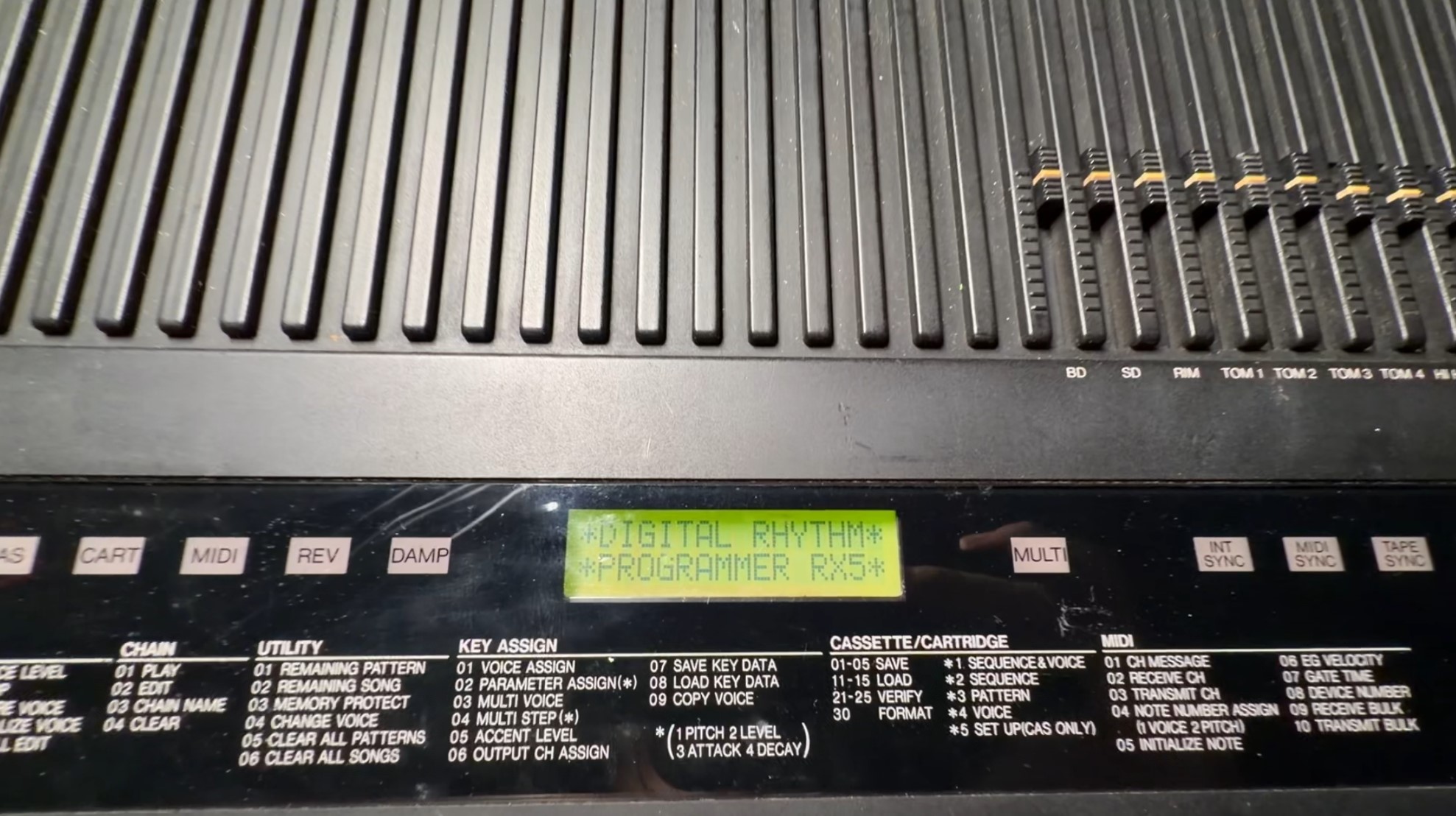
The unit in question will not boot, the backlit LCD will light up however the first row would only display black blocks. Sometimes it show a blinking cursor at the first location. Sometimes it would boot to the stage where it display the “DIGITAL RHYTHM PROGRAMMER RX5” splash screen but then get stuck there.
Teardown and Inspection
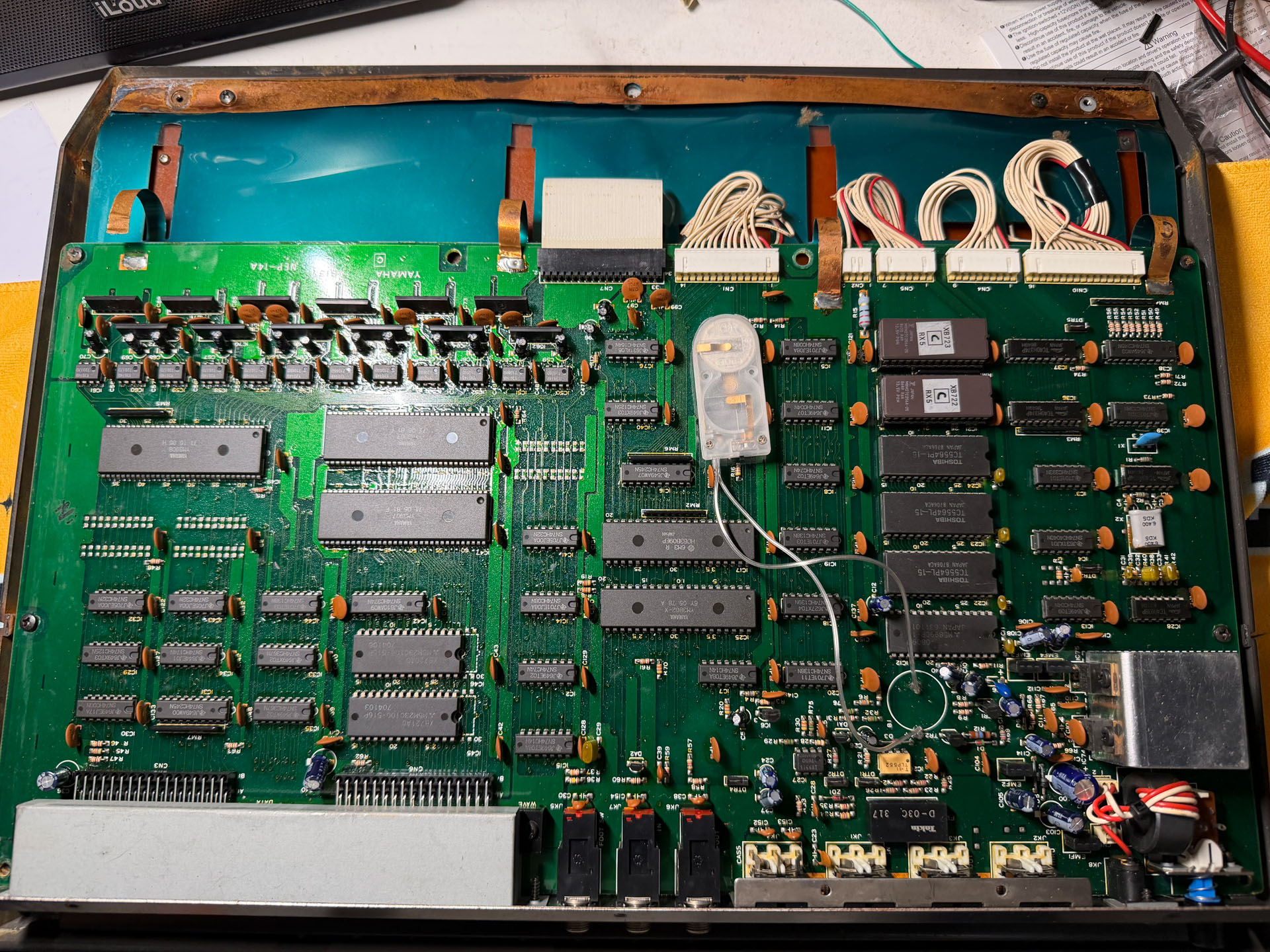
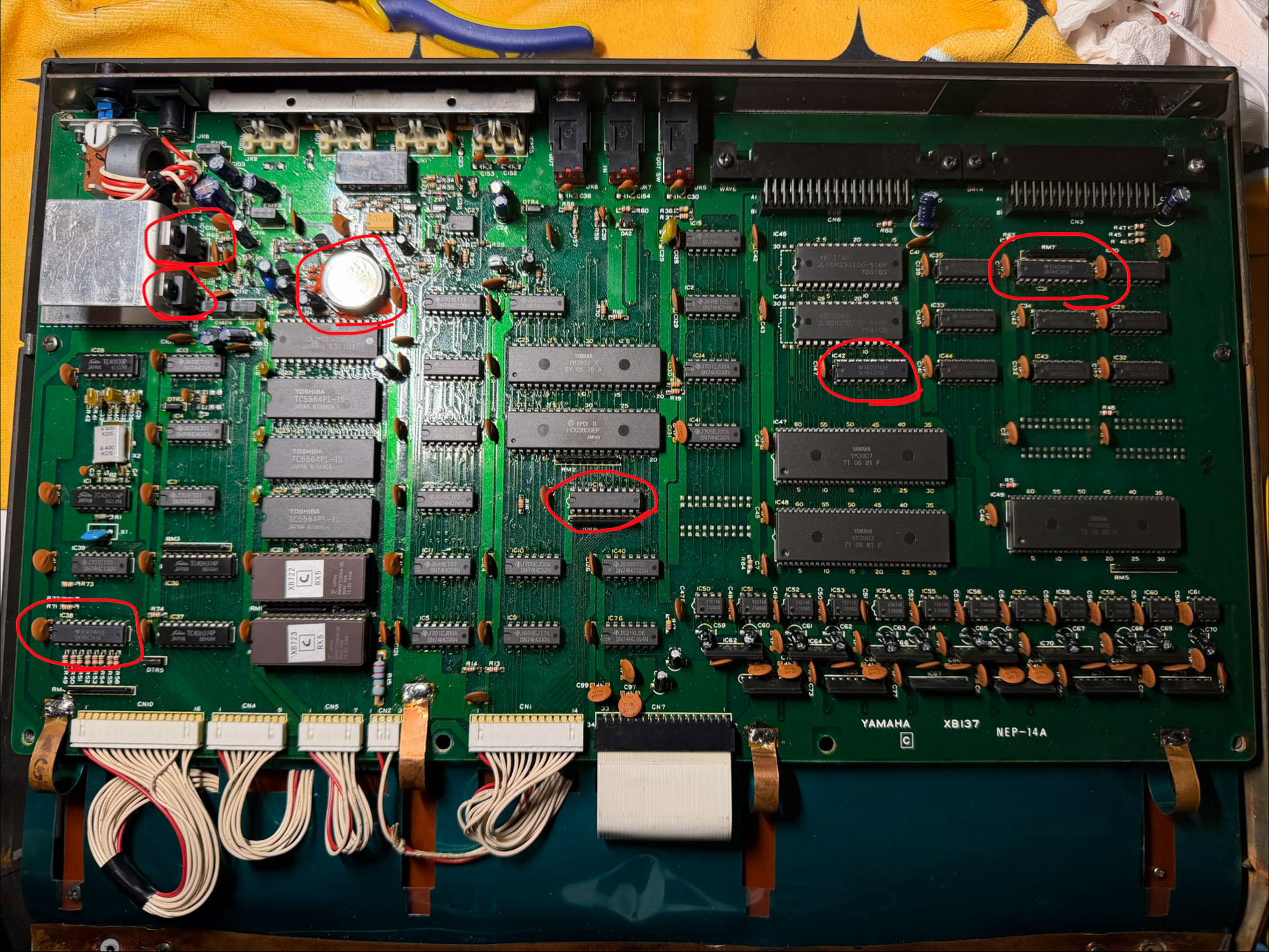
The unit is in overall good condition given the age. There are some minor water ingress at the side but it did not reach any circuit board. Previous repairs only replaced the battery with a battery holder with wire. I de-soldered it and replaced with a proper battery holder later in the repair.
Power Supply Issue
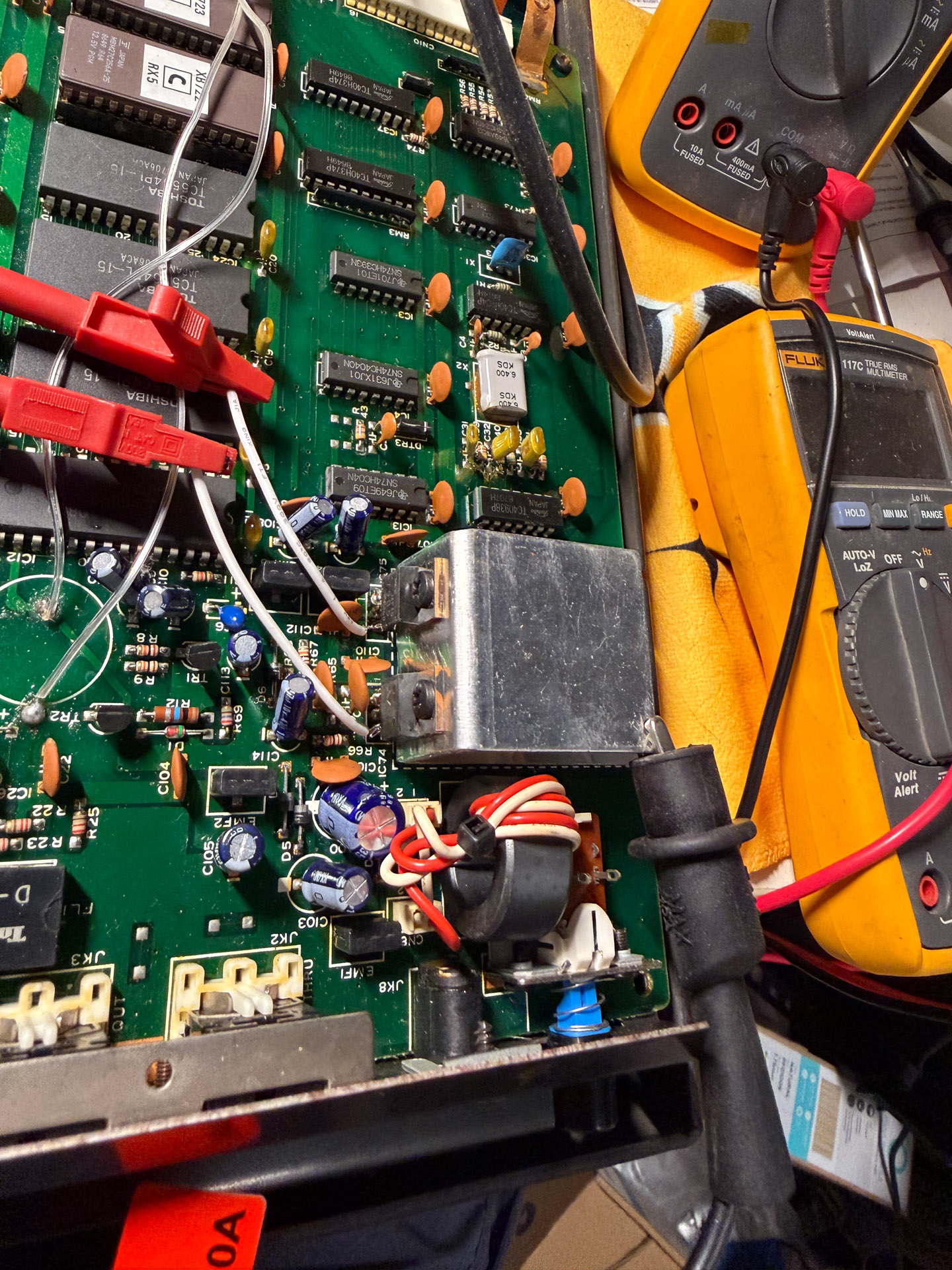
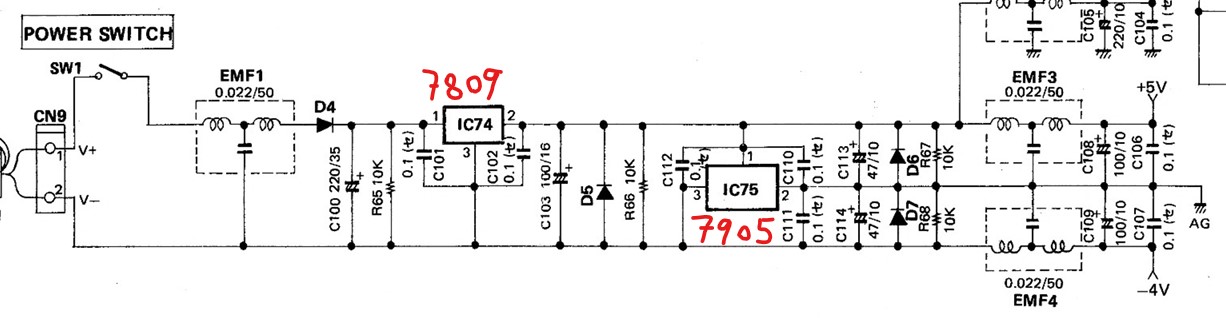
Voltage rail seems to be off where the 7809 output only reads 8.7V. Due to the age of the machine and the fact that 7809 should not drift this much, I replaced both regulators, and applied thermal grease where there were none from factory. It’s possible that there has been overvoltage damage. One thing to notice is that the special power solution with one 7809 and one 7905 to generate +5V and -4V.
Data Line Issue
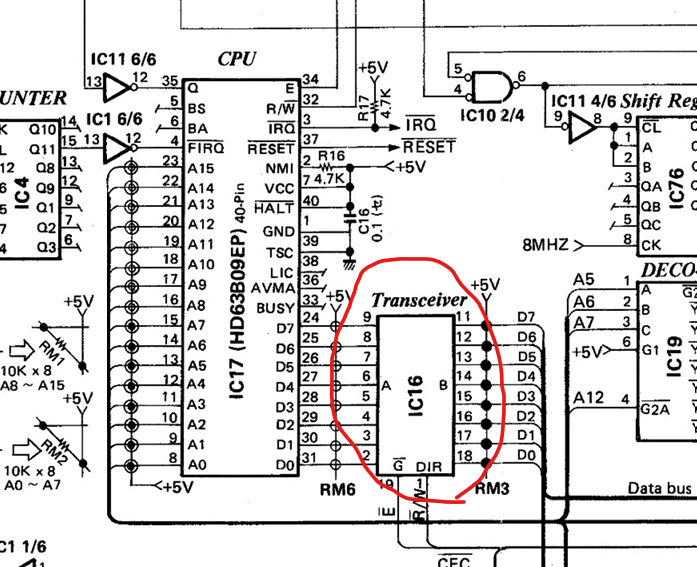
The voltage of data line D7 on either side of the 74245 near the CPU does not match. So I replaced all three 74245s but this didn’t solve the issue. Please ignore the crappy grounding.
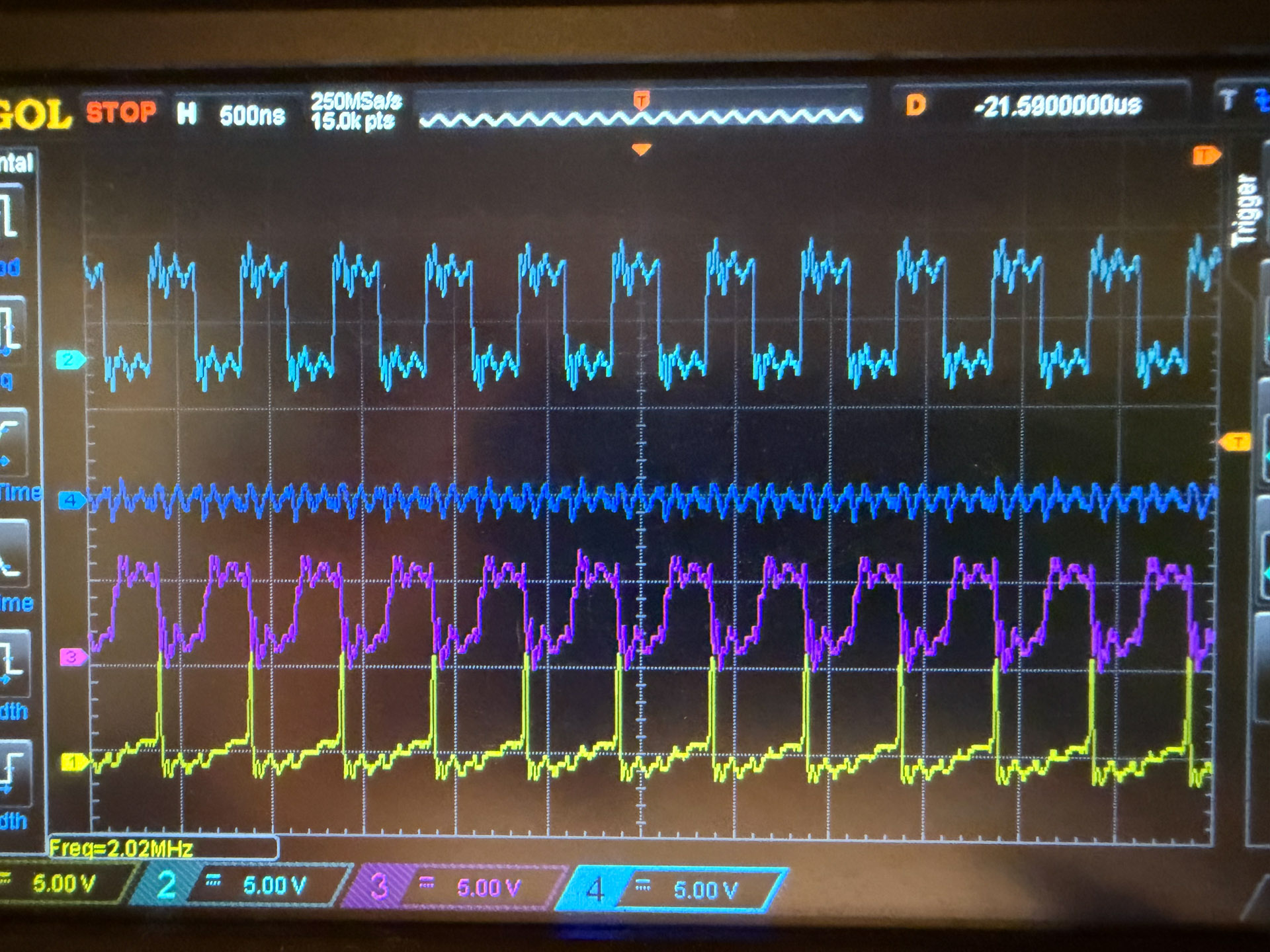
Testing using diode mode show that there’s a partial breakdown in one of the chip’s ESD or clamping diode on D7 line.
To find this broken chip I first tried to inject current. However due to the very thin traces on this board I couldn’t set a high current. This yielded no result.
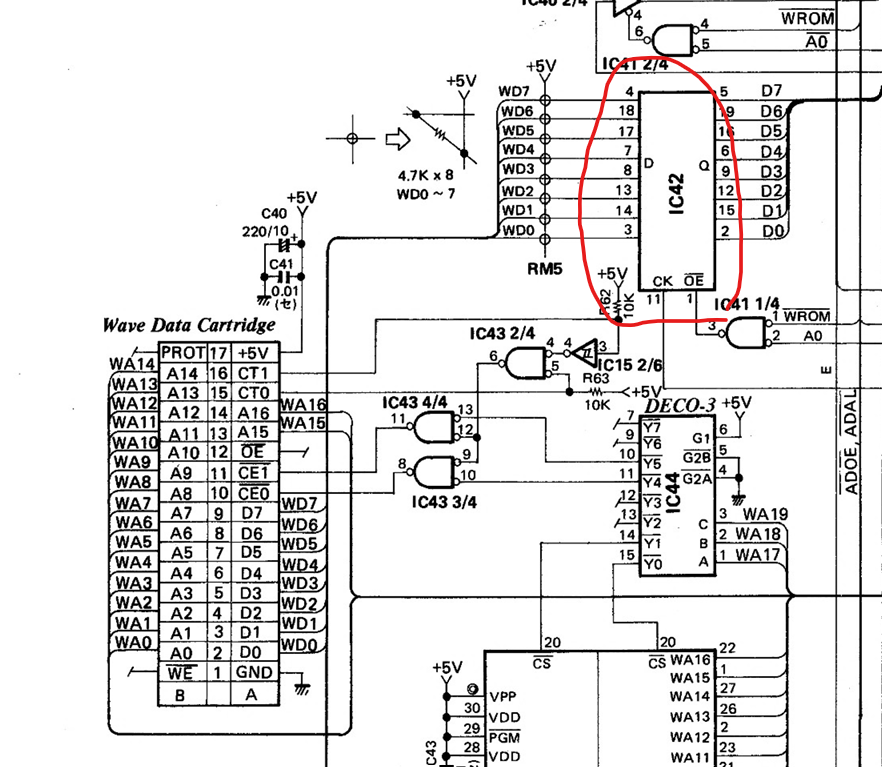
Next up I hooked up the multimeter in diode mode on D7 while I heat up each chip with hot air gun set to reflow temperature (~350C). I was able to identify the problematic chip as IC42, a 74374 used as bus buffer. When IC42 is heated up the diode voltage became similar with other data lines. Furthermore, with the chip hot, the device is able to successfully boot.
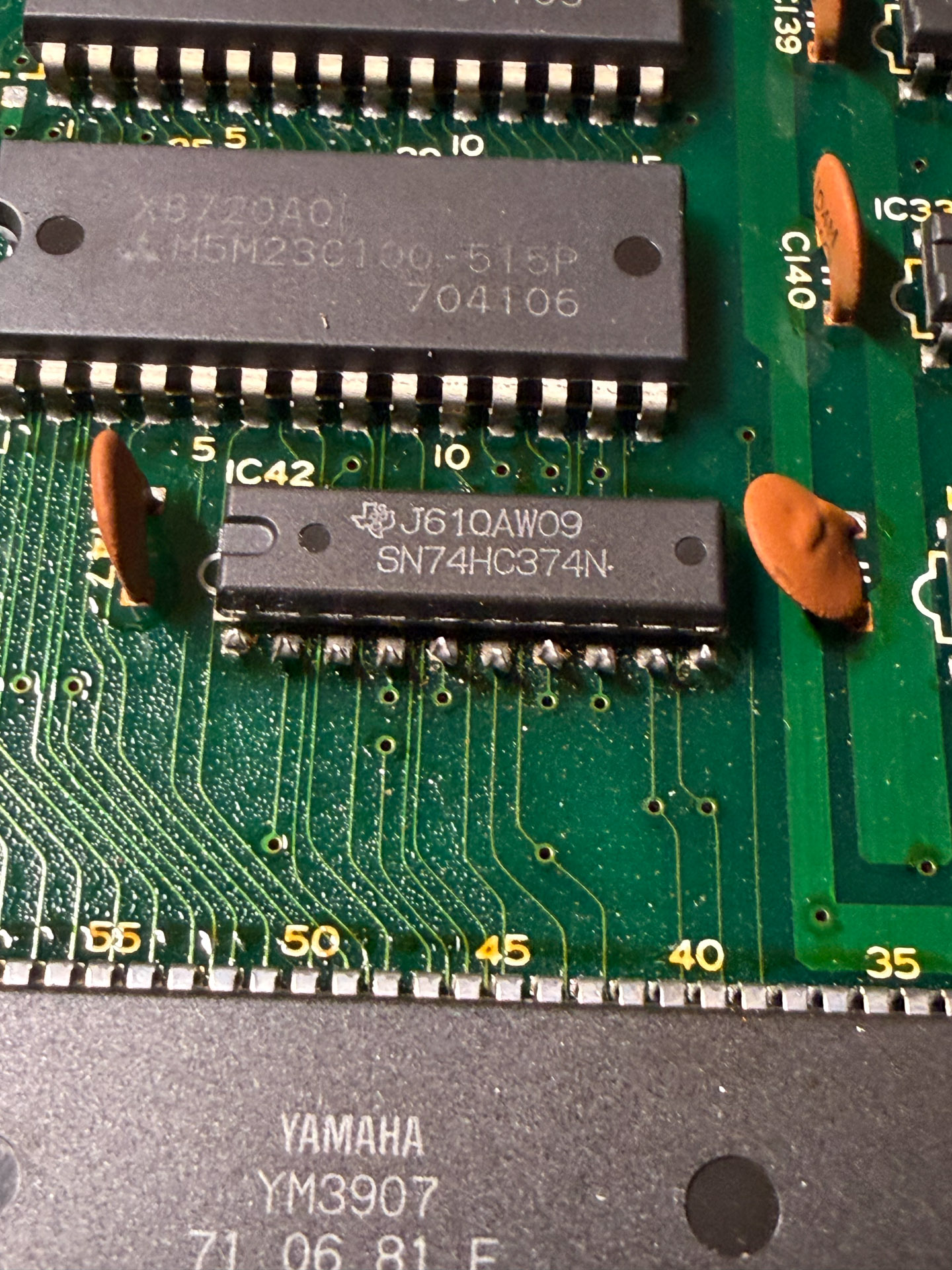
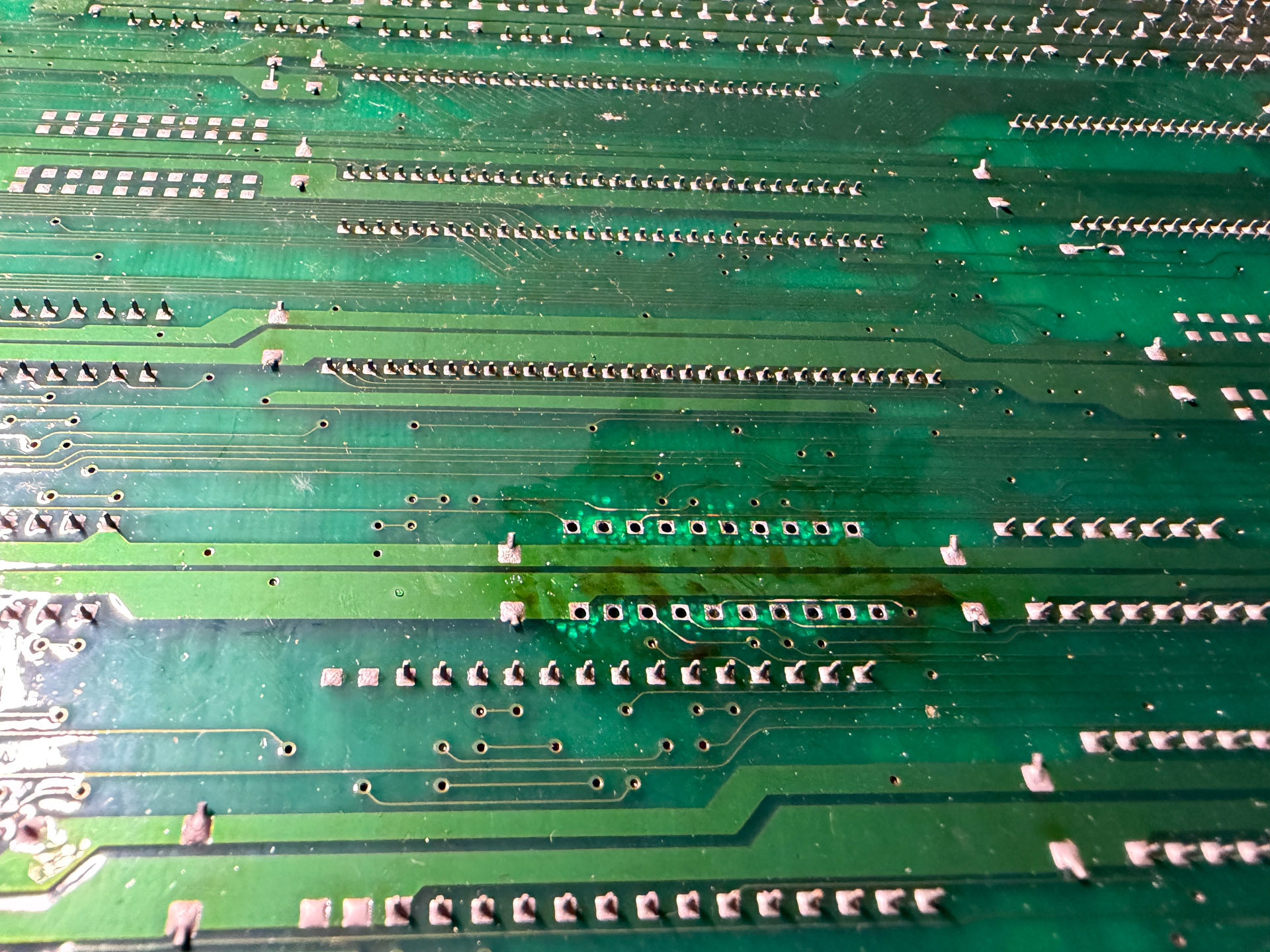
I replaced IC42 with new SN74HC374N from TI. Again to protect the PCB the pin of the IC is cut then extracted, before cleaning the pads. Some damage to the PCB material is inevitable in PCB of this vintage. This concluded the board repair.
Other
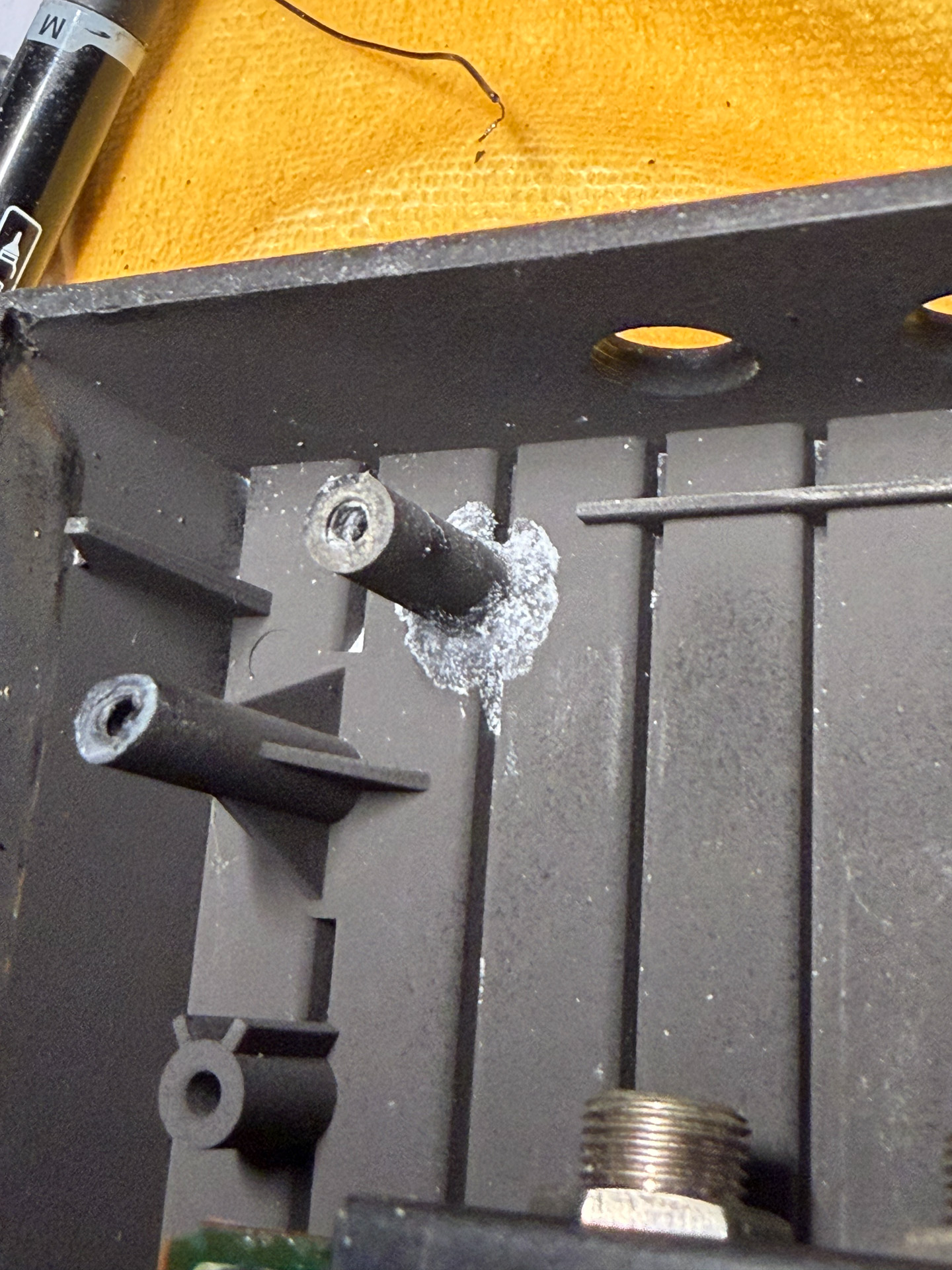
There were 2 mounting boss broken, which I glued back with superglue and reinforced with baking soda and superglue.
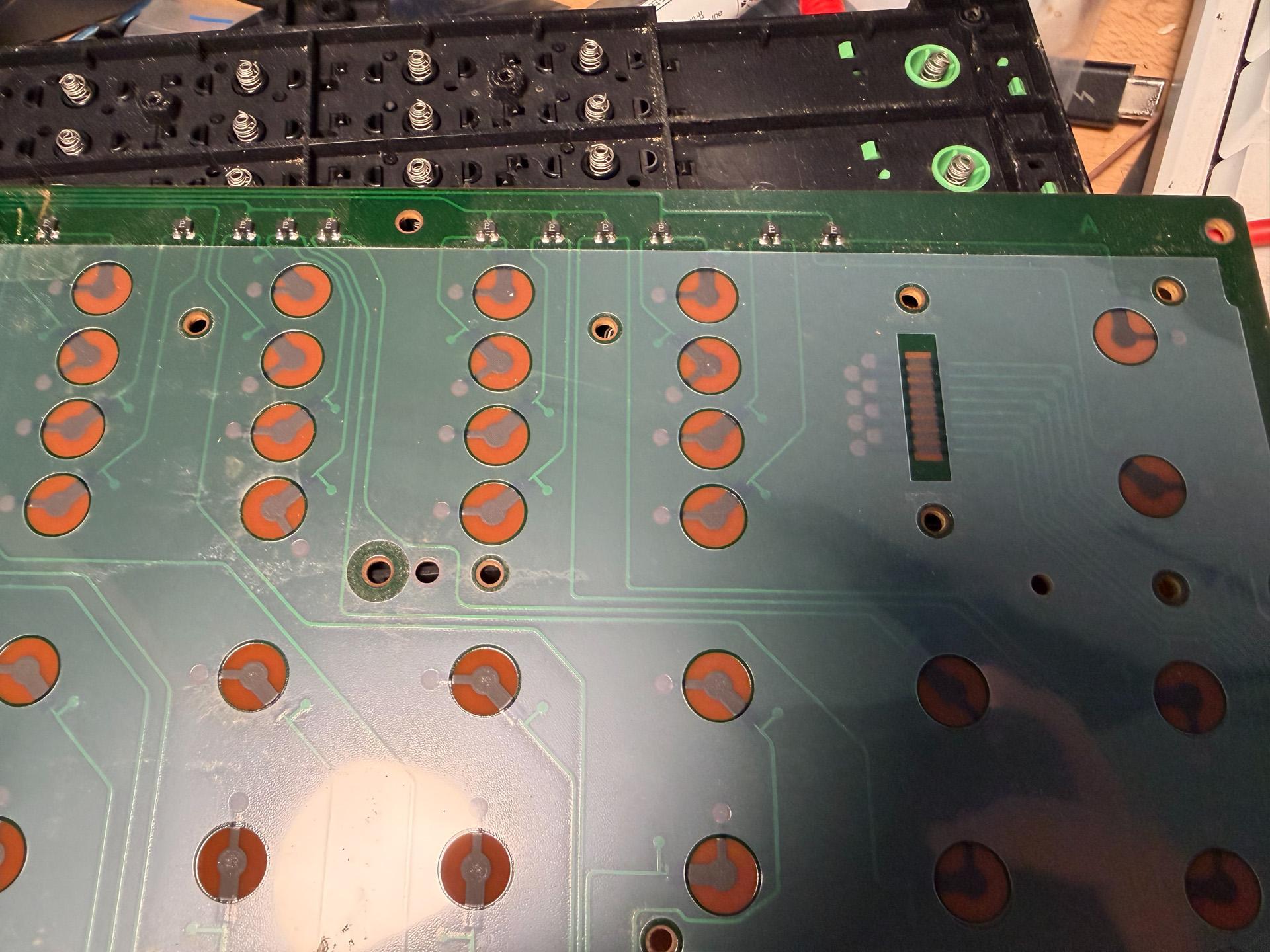
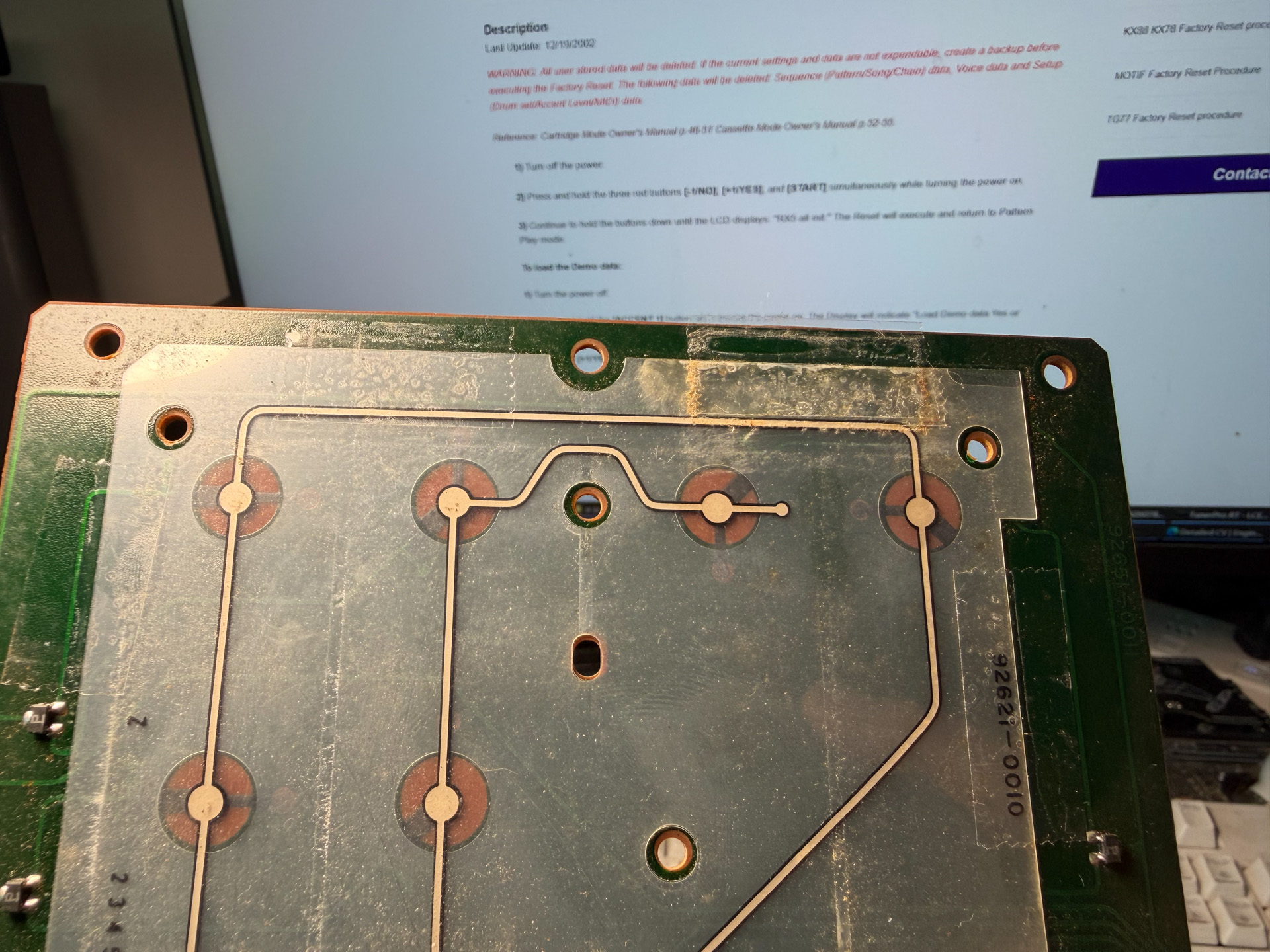
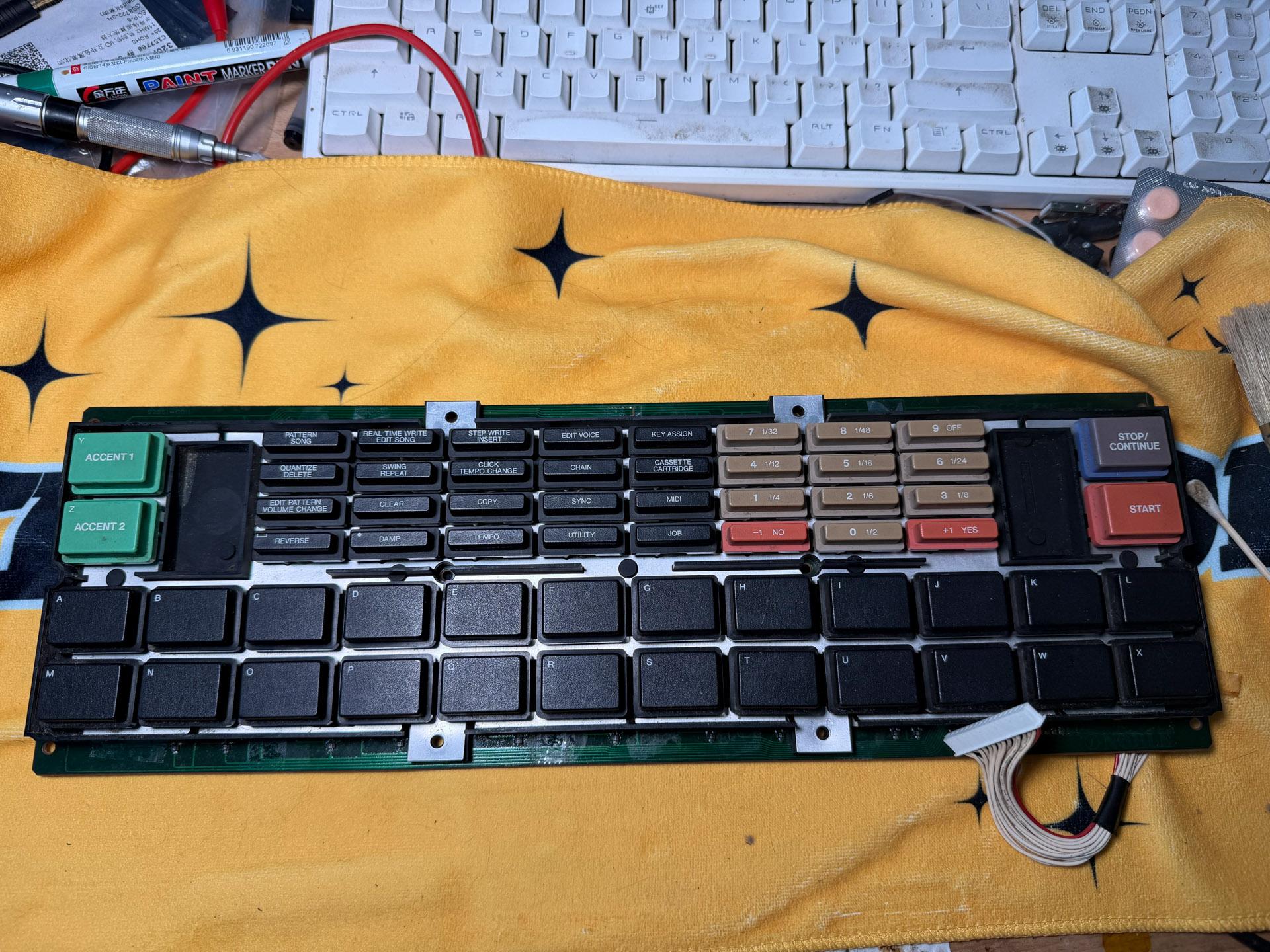
Some keys on the keyboard were not working. I removed the keyboard and torn it down, where I found the reason to be some dust stuck between the membrane. Cleaning the membrane and wiping all contact points with isopropyl alcohol solved the issue.
Final Assembly, Testing and Demo
I assembled the machine and did factory reset. I loaded the factory demo data, run the machine for 3 days straight without powering down. There were no issues. I sent the unit back to the customer after receiving payment.
You can listen to the RX-5 demo I recorded over at DemoDB: https://mainland.demodb.org/en/yamaha/rx/rx5